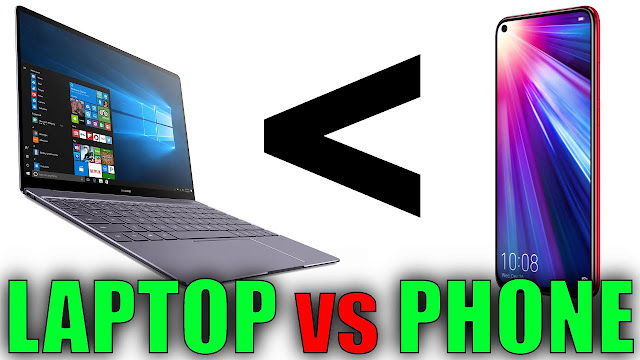
Computers and phones serve different purposes and have different
strengths depending on the context. Here are a few reasons why computers are
often considered better than phones in certain aspects:
1.
Processing Power:
Computers generally have more powerful processors, more RAM, and better
graphics capabilities than phones. This allows them to handle complex tasks and
run resource-intensive applications more efficiently. If you need to perform
tasks like video editing, 3D rendering, gaming, or running demanding software,
computers are usually better suited for these purposes.
2.
Screen Size and Input:
Computers typically have larger screens compared to phones, providing a more
spacious display for multitasking, viewing content, and working with complex
applications. The larger screen size also enables more precise input,
especially when using a mouse and keyboard, which can be advantageous for tasks
like graphic design, coding, and writing.
3.
Storage Capacity:
Computers often offer more storage options and larger storage capacities than
phones. This can be beneficial if you need to store and manage large amounts of
data, such as extensive media libraries, databases, or professional files.
Additionally, computers usually allow for easy expansion of storage through
external drives or internal upgrades.
4.
Software Compatibility:
Computers generally have broader software compatibility compared to phones.
Many applications and software packages are designed specifically for desktop
operating systems like Windows, macOS, or Linux. Some specialized software may
not be available or have limited functionality on mobile platforms, making
computers the preferred choice for certain professional or niche applications.
5.
Customization and Upgradability: Computers
are more customizable and upgradable than phones. Users can easily replace or
upgrade components such as the processor, graphics card, storage, or memory to
improve performance or accommodate changing needs. This flexibility allows
individuals to tailor their computer systems to their specific requirements,
which is not typically possible with phones.
6.
Productivity and Multitasking: Due
to their larger screens, more powerful hardware, and better multitasking
capabilities, computers are often more conducive to productivity. They allow
users to work with multiple applications simultaneously, manage complex tasks
efficiently, and take advantage of productivity-enhancing software features.
It's important to note that phones have their own advantages, such
as portability, always-on connectivity, and a wide range of mobile apps
designed for specific tasks. Ultimately, the choice between a computer and a
phone depends on your specific needs, preferences, and the tasks you want to accomplish.
Comments
Post a Comment
any suggestion on my side